01
What they needed
Ledger IQ does cloud accounting for South African businesses. Ruan Kruger runs it, and the work covers Xero migrations and system integration, reporting built in Syft Analytics and Power BI, and full-cycle accounting with SARS and CIPC compliance. Clients range from someone registering a first company to established businesses still bridging their systems with spreadsheets.
Explaining that is the hard part. Data models and API connections between a POS, Xero and a KPI dashboard mean little to an owner who only knows that month-end is slow and manual. Each service needed describing by the problem it removes, and enquiring needed to be easier than composing an email from scratch.
02
What we built
Five pages: a home page, three service pages for Cloud System Integration, Automated Reporting & BI, and Accounting, Tax & Compliance, and a Team page.
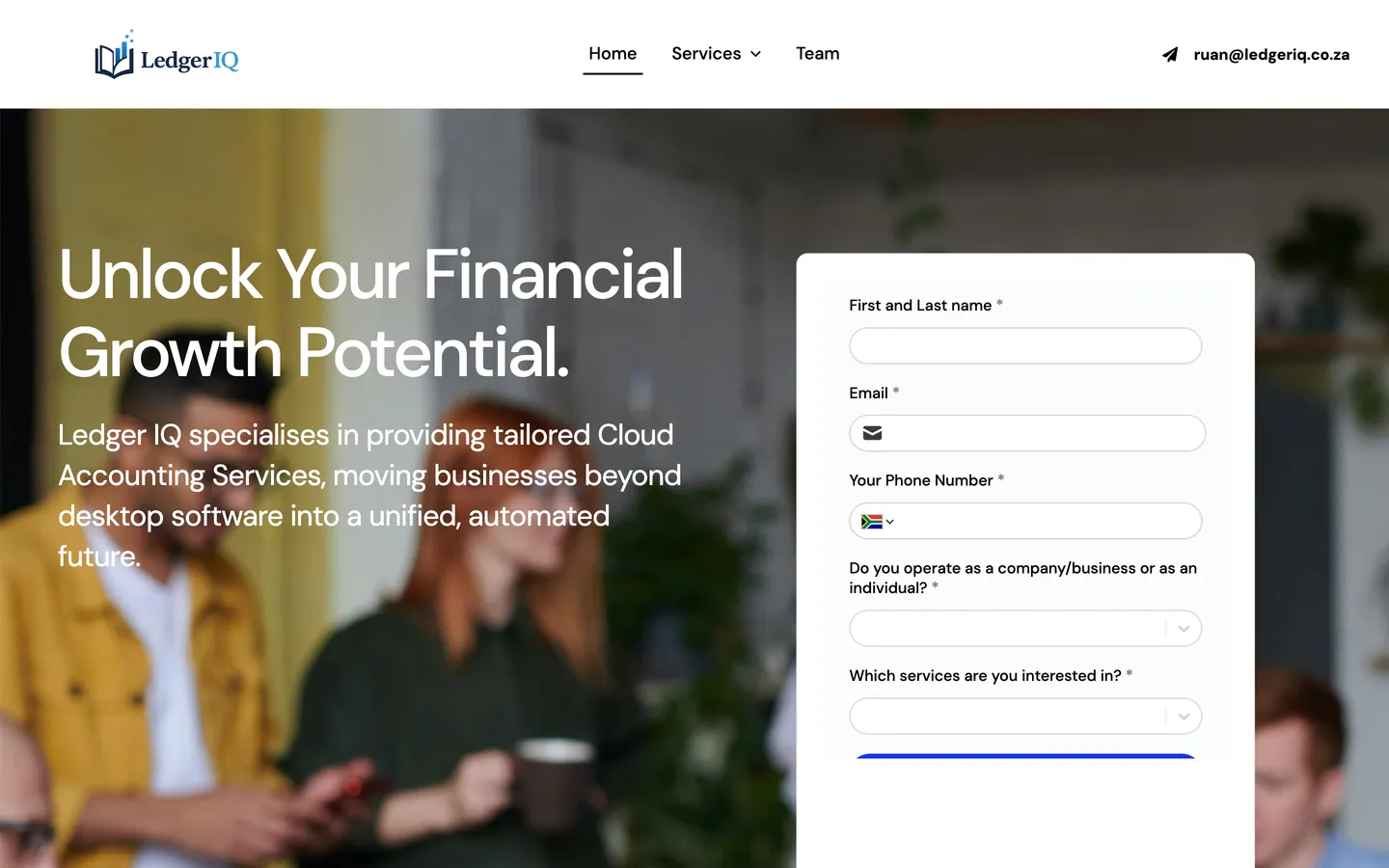
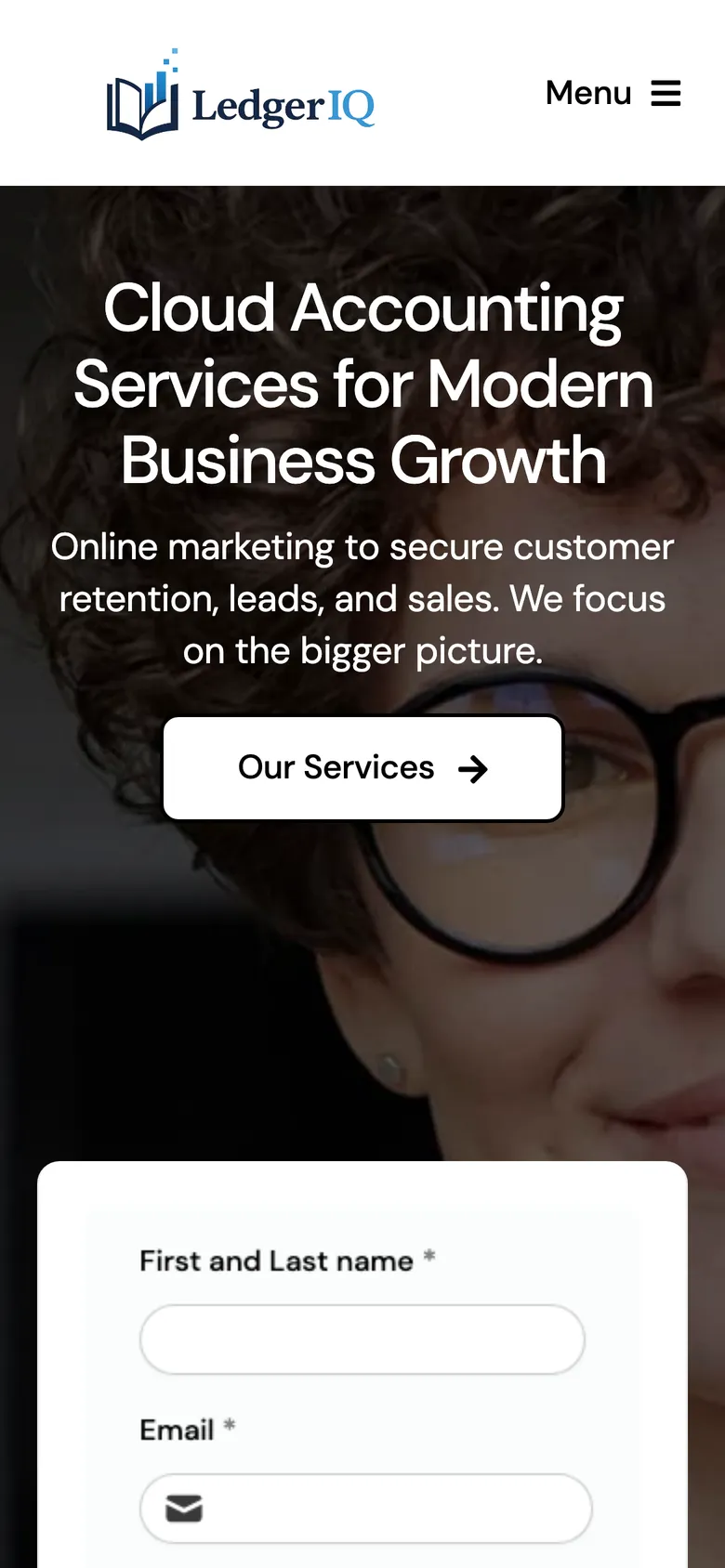
The home page opens with the enquiry form beside the headline. Below it the three services appear as cards, each with a short blurb, a "The result:" line and a Learn more link into its own page. The three service pages share one structure, so someone who reads two knows where to look in the third: a summary, four named failure modes of the current setup, the method split into three phases in collapsible panels, and a grid of what is included.
The same enquiry form sits on every page. On the service pages it lives in the closing section, and each Book a Consultation button scrolls down to it. There is no separate contact page to send anyone to.
- Five pages: home, three service pages and a Team page
- One Fillout enquiry form embedded on every page, with a South African dialling code selector on the phone field
- Book a Consultation buttons that scroll to the form on the same page
03
What it does now
Enquiries can start wherever a reader stops. The form asks for name, email and phone, whether the person trades as a company or an individual, and which services they want, so that context arrives with the enquiry instead of in a follow-up. Anyone who would rather write directly has Ruan's address in the header of every page.
It also gives Ledger IQ something to point at. When a prospect asks what a Xero migration involves, the answer is a page: system audit, blueprint, chart of accounts, bank feeds, historical data, payroll and inventory integrations, training and handover. The site runs on WordPress, so the service and process copy can change as the offering does.
Share this case study